Turn on two-factor authentication
Protect your account with a code from your phone.
Install an authenticator app, such as Google Authenticator, Microsoft Authenticator, 1Password or Authy.
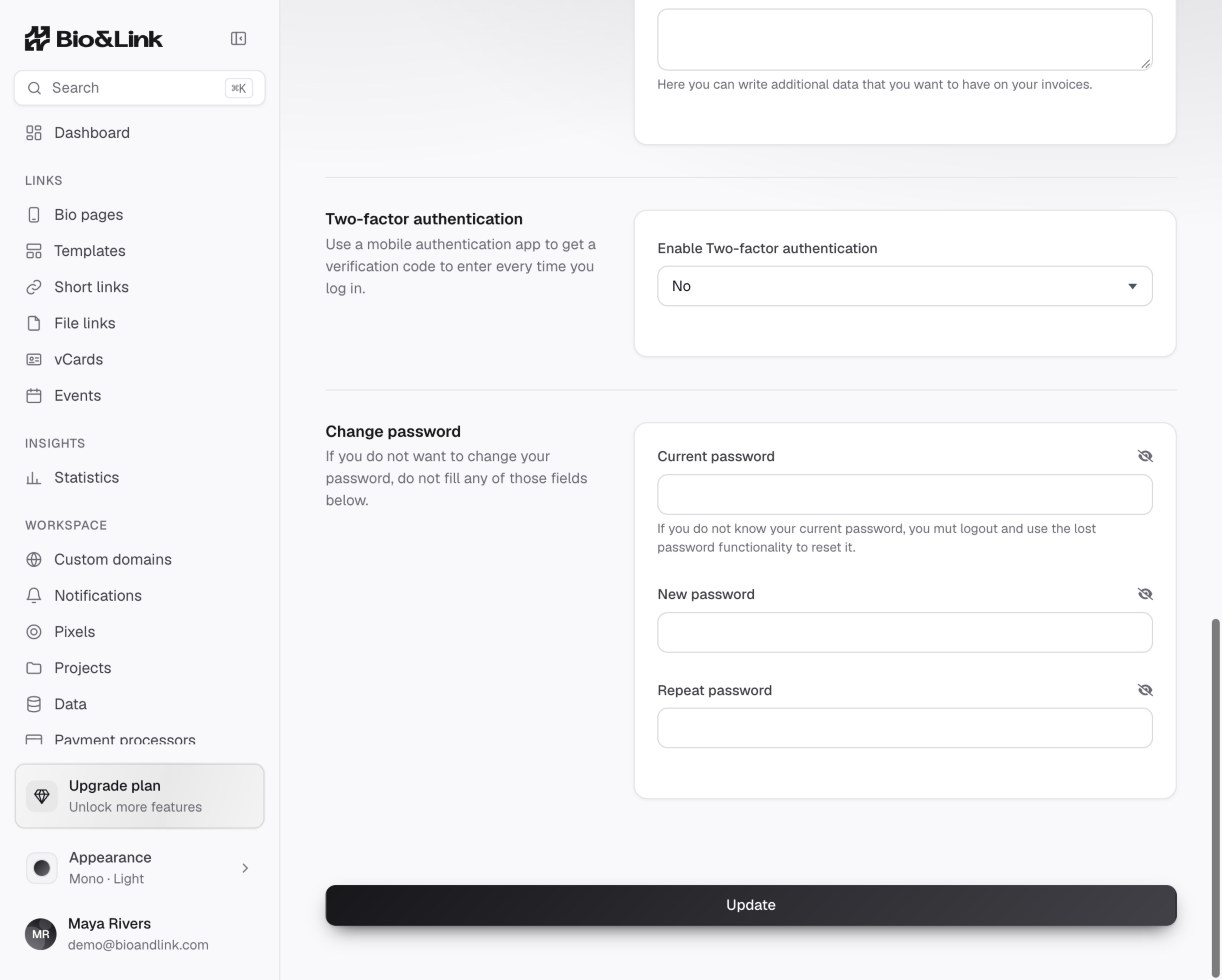
In Bio&Link, go to Account (open it) and scroll to Two-factor authentication.
Set Enable two-factor authentication to Yes.
Scan the QR code with your authenticator app and enter the 6-digit code it shows.
Click Update.
From now on, you'll enter a code from the app each time you log in.
Tip: Lost access to your authenticator app? Contact us from your account email and we'll help you get back in after confirming it's you.