Add a tracking pixel
Add your Meta, Google, TikTok and other pixels to pages and links.
Pixels let your ad platforms count visits and build audiences from people who clicked your links.
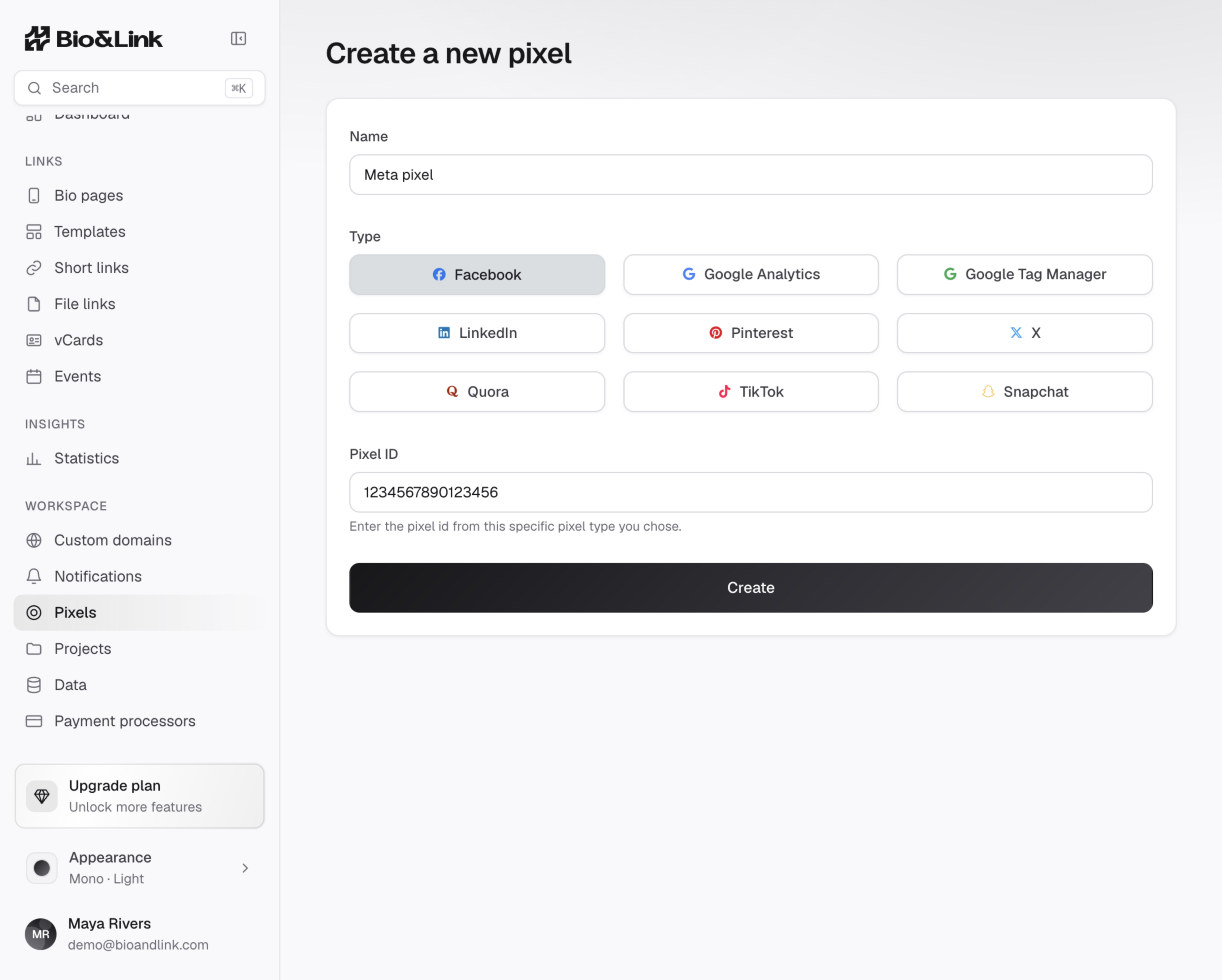
Go to Pixels and click Create (open it).
Give it a name and choose the type: Facebook (Meta), Google Analytics, Google Tag Manager, LinkedIn, Pinterest, X, Quora, TikTok or Snapchat.
Paste the pixel ID from that platform and click Create.
Open a bio page or short link, go to its settings and choose the pixel.
Limits
Starter 1, Pro 10, Verified 10, Business 50, Agency 100.
Tip: You may need visitors' consent before pixels run. You're responsible for this on your own pages and links.