Connect a payment processor
Connect PayPal, Stripe or another provider so you can get paid.
Selling is on Pro and up. Payments go straight to your own account with the provider. Bio&Link doesn't hold your money.
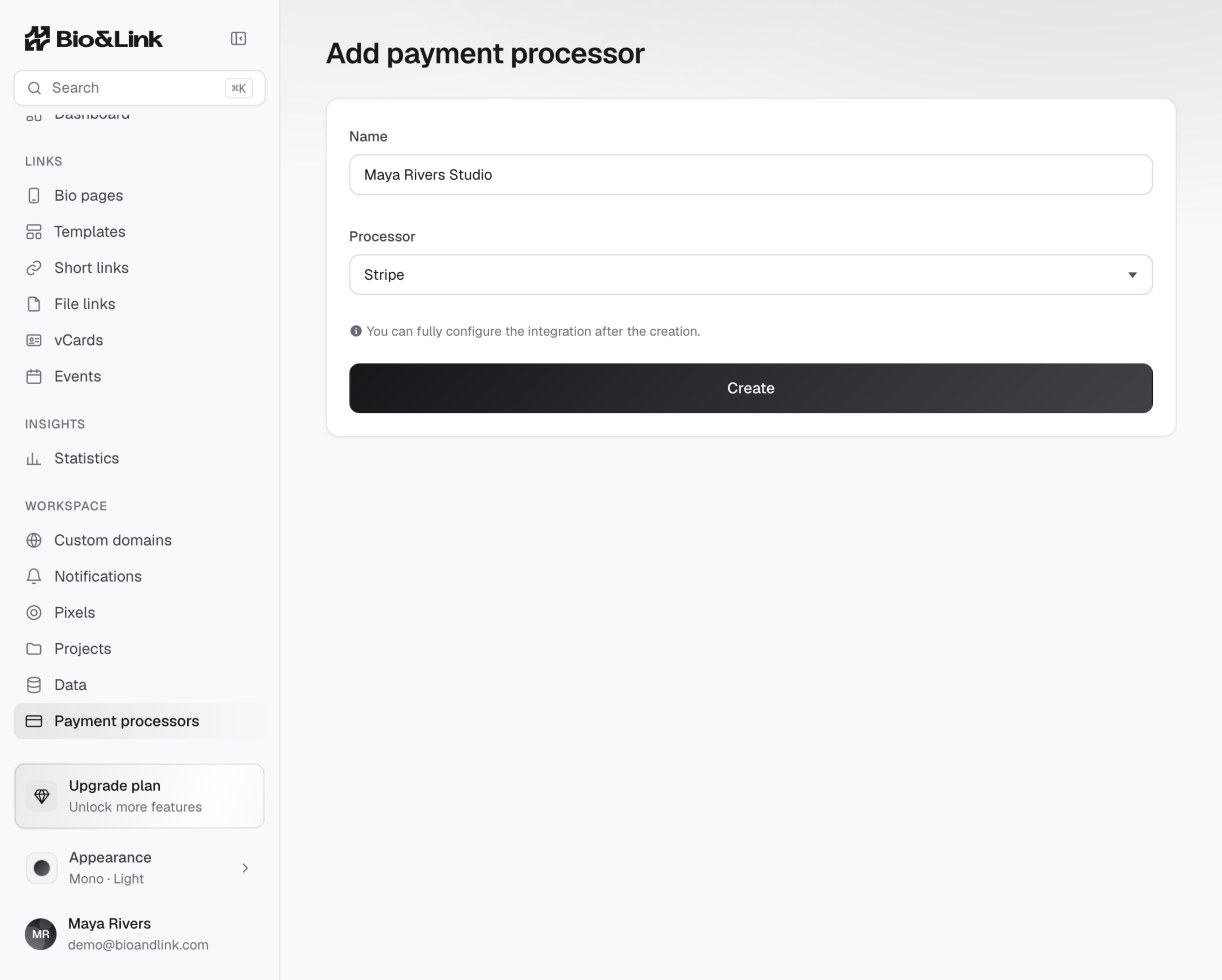
Go to Payment processors and click Create (open it).
Give it a name and choose your provider: PayPal, Stripe, Razorpay, Paystack, Mollie, Crypto.com Pay, Plisio or Offline payment (bank transfer or cash, with your own instructions).
Click Create, then paste the keys from your provider's dashboard and save.
Choose this processor in your product, service, donation or subscription blocks.
You can connect up to 5 processors on Pro and Verified, 10 on Business and 25 on Agency. Your provider charges its usual fees.