Edit where a short link goes
Change the destination after you have shared the link.
Go to Short links and open the link.
Change the Destination URL.
Click Update.
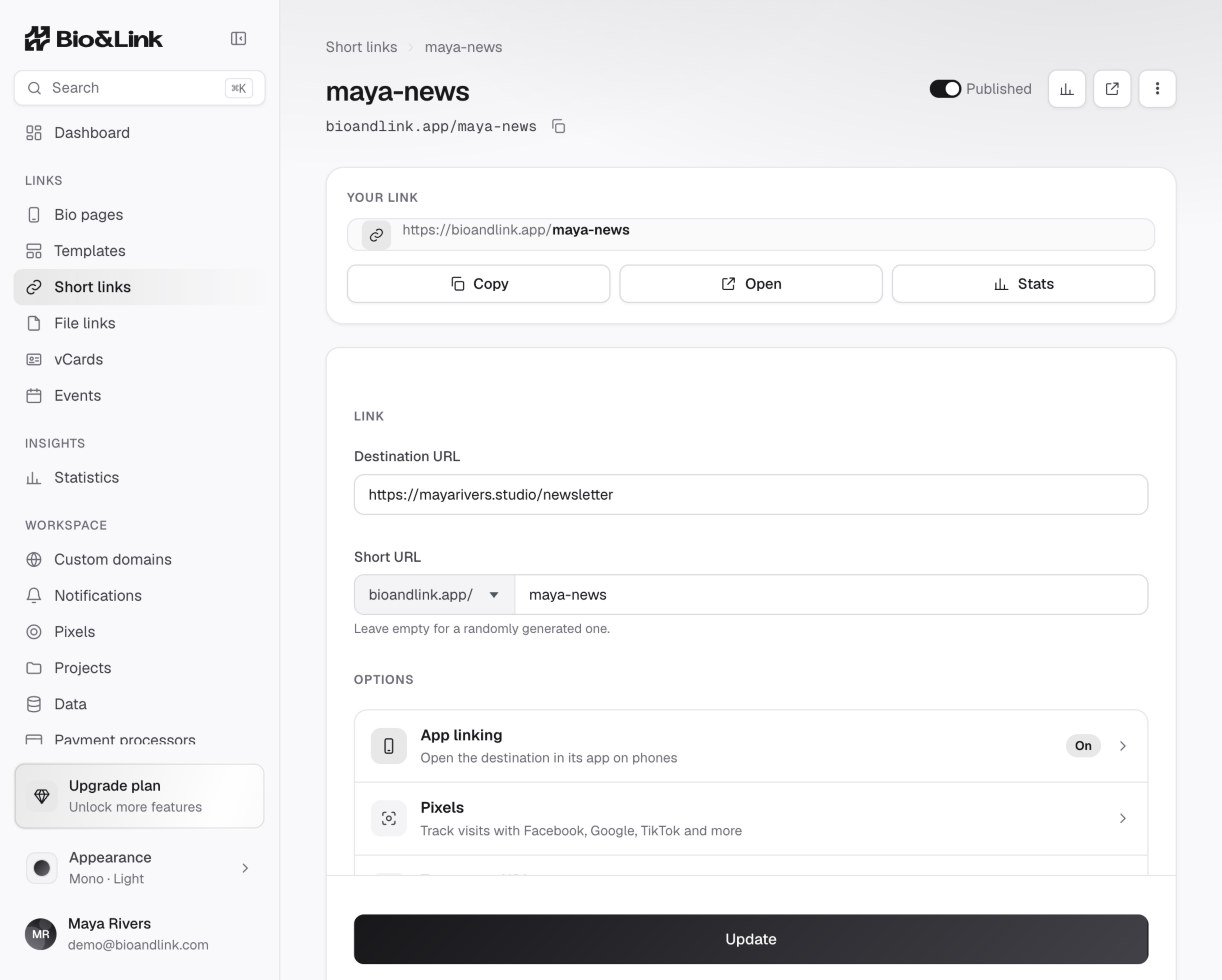
The short link stays the same, so anywhere you have shared or printed it keeps working and now goes to the new address.