Customise colours, fonts, buttons and background
Make your page match your brand.
Open your page and go to its Design tab.
Theme: start from one of the themes.
Background: a colour, a gradient or an image.
Buttons: colour, text colour, corner shape and border.
Fonts: choose a font for your page (Starter and up).
Text colour and spacing.
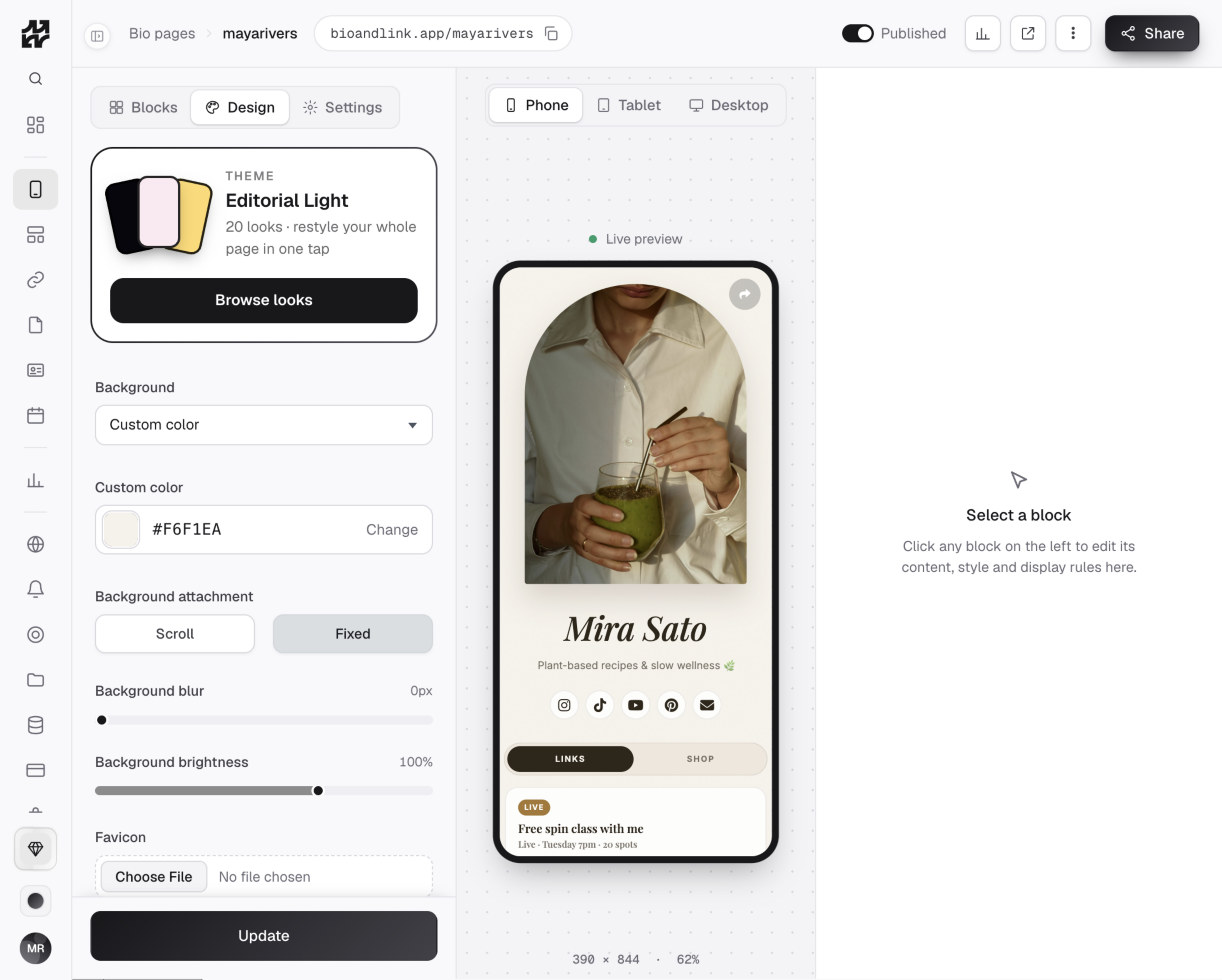
Changes show in the preview straight away. Click Update to save.
Tip: On Business and Agency you can also add your own CSS for full control. See Custom CSS and JavaScript.