Use a template for your page
Start from a ready-made page and make it yours.
Templates are complete pages with sample blocks already laid out, from a magazine cover to a café receipt.
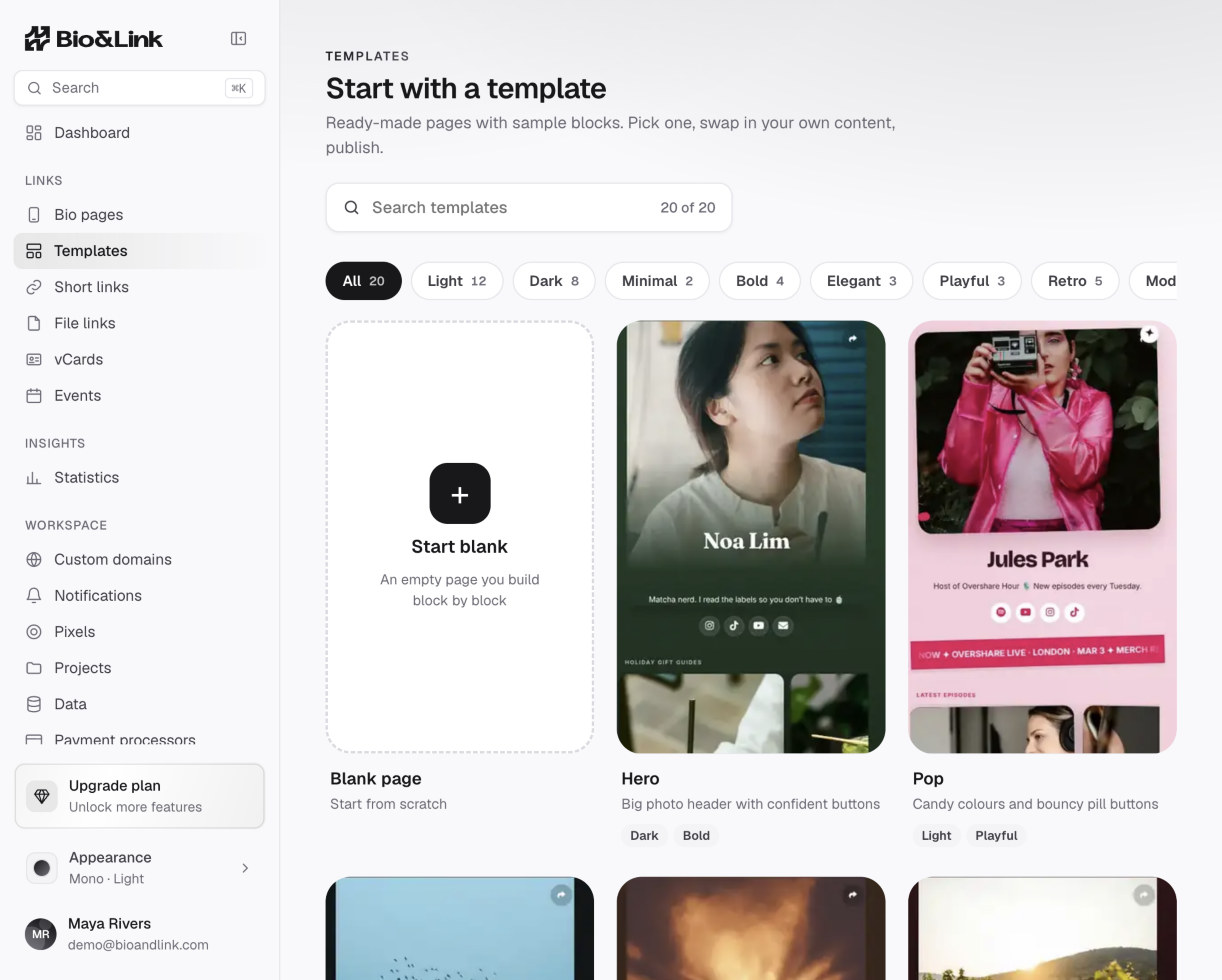
Go to Templates in the sidebar, or browse them on the website.
Open one to preview it, then choose it for a new page.
Replace the sample text, photos and links with your own.
Use a template as a theme
You can also apply a template's look to a page you have already built. Your blocks and links stay where they are; only the design changes.
Free includes a starter set of templates, Starter adds more, and Pro and up unlock every template, including new ones as we add them.