Create a bio page
Add a new link-in-bio page and choose its address.
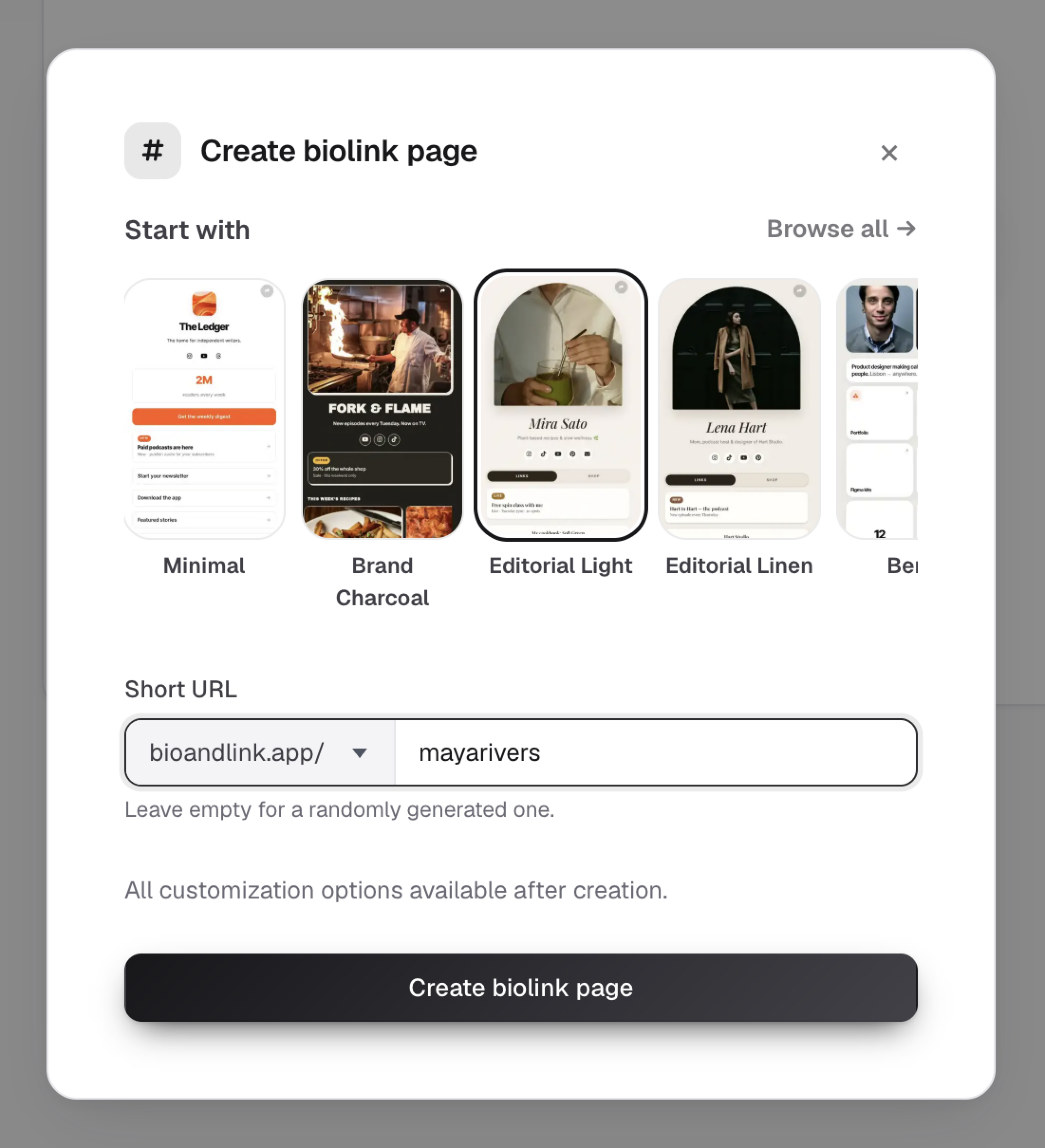
Go to Bio pages in the sidebar and click Biolink page, or click New link and choose Bio page.
Pick a template to start from, or Blank.
Type the address you want, for example yourname for bioandlink.app/yourname. If you have connected your own domain, choose it from the domain list.
Click Create biolink page. The page editor opens.
How many pages can I have?
Free and Starter: 1. Pro: 3. Verified: 5. Business: 15. Agency: 75.
Tip: Addresses can use letters, numbers, dashes and underscores, up to 64 characters.