SEO: title, description and preview image
Control how your page looks in Google and when it is shared.
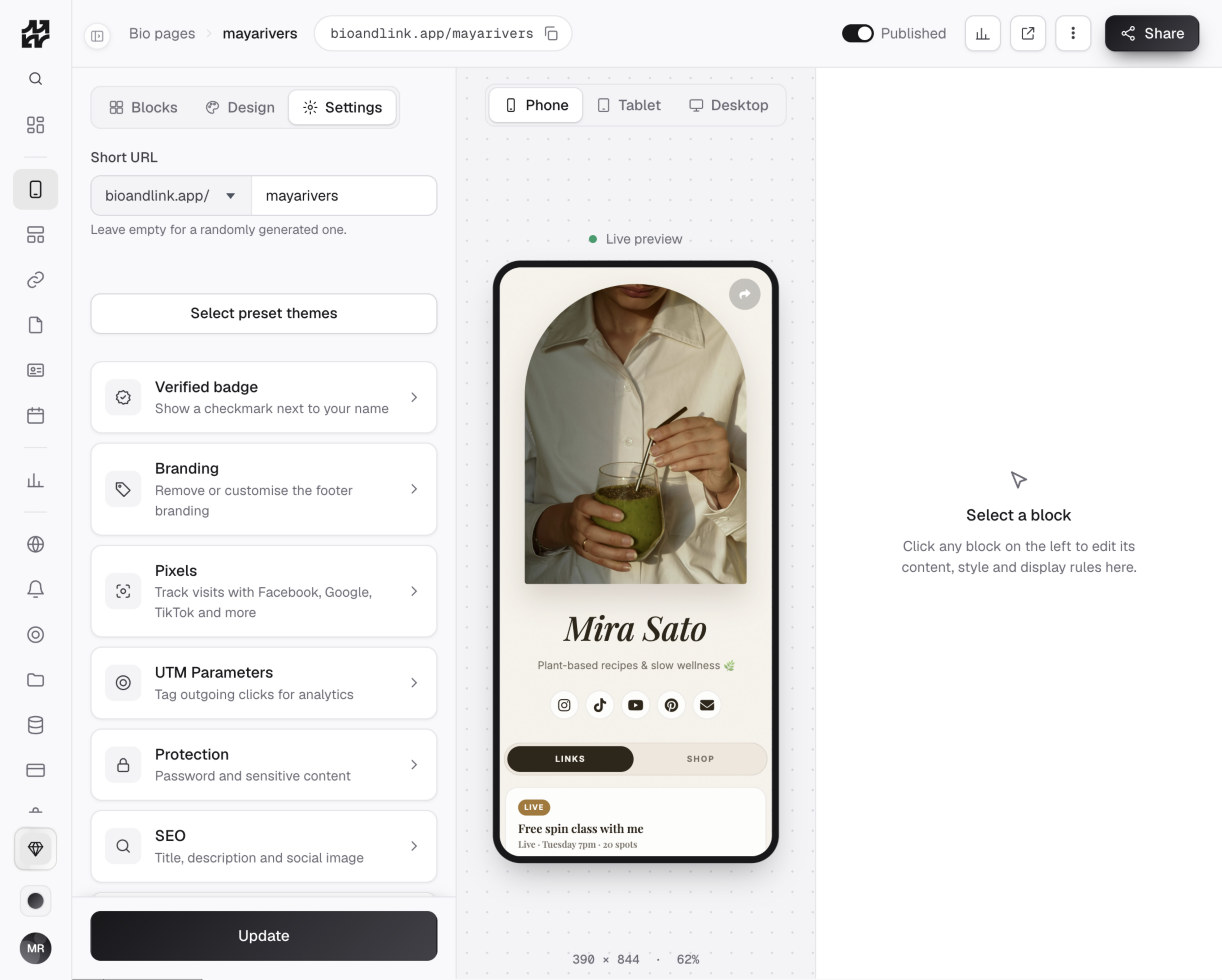
Open your page, go to the Settings tab and open SEO.
Title: shown as the headline in search results and in the browser tab.
Description: the short text under the title in search results.
Image: the picture shown when your link is shared in messages and on social media (1200 × 630 pixels works best).
Hide from search engines: switch this on if you don't want the page to appear in Google.
Click Update to save. Search engines and apps can take a few days to pick up changes.
Tip: On Pro and up, links on your page can be followed by search engines (dofollow), which can help the websites you link to.